

Trade Directly from TradingView with Guardian Trading
Seamless charting. Real execution speed. Institutional routing.
All inside the world’s most powerful trading interface.
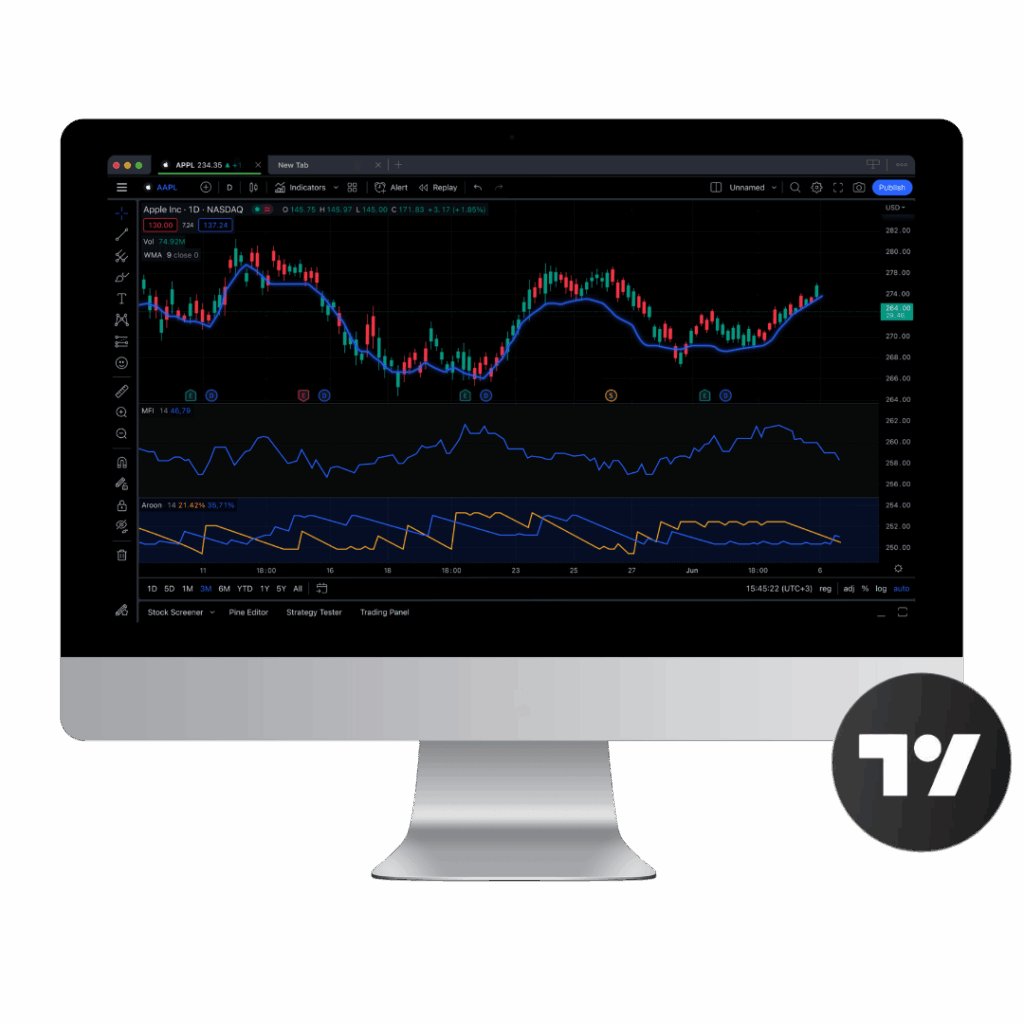
Built for Active Traders Who Demand Precision
TradingView is trusted by more than 100M+ traders and investors worldwide for its advanced charting, intuitive interface, and fast, reliable trade processing. With Guardian’s direct integration, that same platform now becomes your trading command center.
Access deep liquidity, professional-grade routing, and institutional execution without ever leaving your chart.
No switching platforms. No wasted seconds. Just professional trading power exactly where you need it.
Trade Anywhere. Anytime.
Download TradingView on your preferred platform:
- TradingView for Web [link]
- Windows App [link]
- macOS App [link]
- Linux App [link]
Trade Directly from Your Charts
Place orders directly from your TradingView workspace. Monitor setups, manage positions, and control risk without leaving your charting interface.
Professional Routing & Execution
Tap into Guardian’s liquidity network and smart order routing engine. Connect to real-time markets through infrastructure built for high-volume and professional traders.
100+ Indicators & Custom Scripts
Leverage TradingView’s library of indicators or create custom strategies with Pine Script™. Refine and automate approaches with tools designed for flexibility.
Advanced Charting Tools
Work with more than 15 chart types and over 90 drawing tools. Track price action, analyze patterns, and build strategies with the same depth professionals rely on
Custom Alerts, Real-Time Data
Set tailored alerts on price levels, indicators, or strategies. Get instant notifications tied to live market data so you never miss an opportunity.
Largest Social Trading Community
Join millions of traders sharing scripts, strategies, and market insights daily. Test concepts, compare approaches, and improve your trading process within the world’s most active trading community..
What Makes Guardian Different?
Most brokers connect to TradingView. Guardian brings a full professional trading environment directly to the platform. Every feature is designed for traders who value speed, precision, and transparency.
How to Connect Your Guardian Account to TradingView
Open a Guardian Trading Account
If you’re not yet a client, get started by opening your account online. Approval is fast, and our support team is available to assist.
Navigate to TradingView > Trading Panel
Log in to your TradingView account, click the “Trading Panel” tab at the bottom of your screen, and select Guardian Trading from the broker list.
Connect and Start Trading
- Open a TradingView chart
- Click the “Trading Panel” tab
- Select Guardian Trading
- Enter your Guardian login credentials
- Start trading instantly from your chart
Who Is This For?
Guardian’s TradingView integration is built for traders and investors who demand more than a basic connection. It is tailored for market participants who value precision, speed, and control throughout every stage of the trade lifecycle.

Active Day Traders
Execute fast-moving strategies with advanced charting, direct order placement, and integrated risk management tools. Monitor positions and react to market movements without switching platforms.

Professional Investors
Leverage multi-monitor TradingView setups to combine deep analytics with direct execution. Guardian enables complex analysis and trade management in a single professional-grade environment.

Institutions, Hedge Funds, and High-Net-Worth Individuals
Access institutional-grade routing, locate services, and liquidity solutions designed to support large-scale trading with consistent performance and minimal slippage.

Traders Seeking Efficiency
Streamline your workflow by unifying charting, order entry, and trade management within one integrated platform. Focus on execution and analysis without the distraction of multiple tools.
What assets can I trade via TradingView with Guardian?
Our TradingView integration supports equities, options, and ETFs. All instruments are available with advanced order types and direct market routing.
Are there any fees for using TradingView with Guardian?
There are no platform fees for TradingView integration. Standard commission rates apply based on your account type and trading activity.
Is margin trading available?
Yes. Eligible clients can access margin trading through TradingView, subject to account approval and risk requirements.
Can I use a demo account?
Yes. You can sign up for a 14-day paper trading account [LINK] to simulate trades and test features. Connect through TradingView using the Trading Panel exactly as you would with a live account.
How do I connect my Guardian account to TradingView?
Log into TradingView, open the Trading Panel, select Guardian Trading, and follow the prompts to authenticate your account. Once connected, you can place orders, manage positions, and access all supported instruments directly from the TradingView interface.
Are all TradingView order types supported?
Yes. Guardian supports all standard order types available in TradingView, including market, limit, stop, stop-limit, and advanced order types for professional trading.
: Is real-time data included?
Yes. Guardian provides real-time market data for all supported assets. Data updates are fast and reliable, designed for professional-grade trading.